 PrimetimeGeek independent technology journalism · relaunched 2026
How to spot a phishing message before you click: a practical guide
Phishing succeeds by borrowing urgency and trust, not by defeating your technology. Here is a calm, repeatable way to check unexpected emails, texts and calls, and what to do if you already responded.
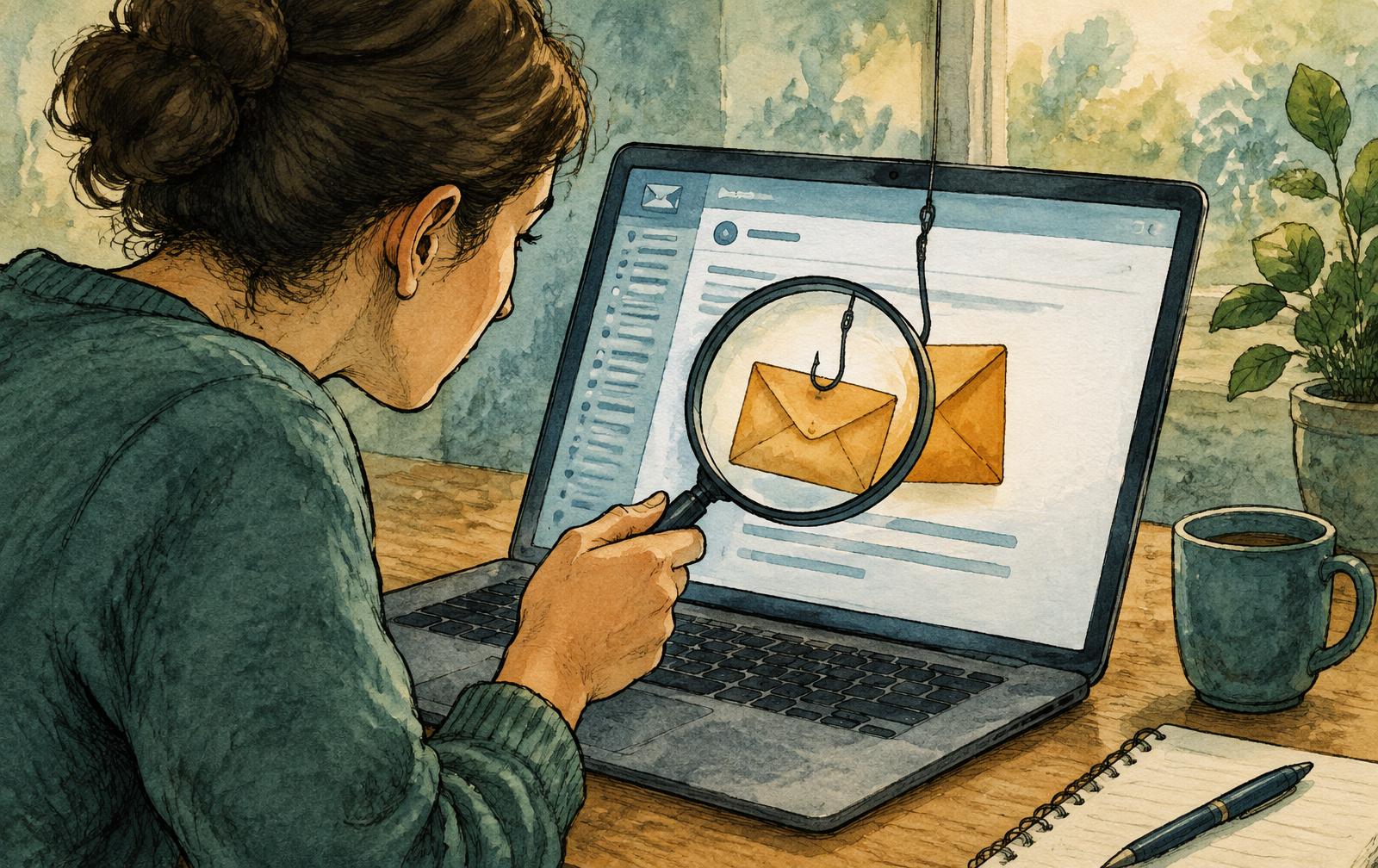
Phishing is a request for something valuable — a password, a payment, a code, a click — dressed up as a message you would normally trust. It arrives by email, text, phone call, social message and even QR code. Because attackers copy real logos and tone, the visual cues people were once taught, such as bad spelling, are unreliable on their own. A better defense is a routine that does not depend on spotting flaws.
This is a vendor-neutral guide for US readers. The checks below draw on public guidance from CISA and the Federal Trade Commission; the specific routine is an editorial recommendation, not a guarantee. Organizations with regulated data or high-risk staff may need additional controls and training.
The short answer
Treat any unexpected message that asks you to act quickly, log in, pay, share a code or open an attachment as unverified. Do not use the link, number or contact details inside it. Go to the organization through an address you already know — a bookmark, the official app or the number on a card — and check whether the request is real.
What phishing messages tend to have in common
Public guidance describes recurring patterns rather than one reliable tell. Messages often create urgency or fear, such as a locked account or missed delivery. They may offer something too good to be true, request sensitive details, or ask for payment in a way that is hard to reverse. They may come from a sender name you recognize while the underlying address differs, or use a link whose visible text does not match its destination.
No single sign proves a message is malicious or safe. A polished message can be fraudulent, and a clumsy one can be a genuine notice from a poorly run organization. That is why the process matters more than the checklist.
A five-step check you can do in under a minute
1. Pause. Urgency is the attacker's main tool. A real account problem will still exist after you take two minutes to verify it.
2. Ask what is being requested. Credentials, one-time codes, payments, gift cards, remote access and unfamiliar attachments deserve extra suspicion. Legitimate organizations generally should not need you to read out a verification code they just sent you.
3. Check the sender and the link without engaging. On a computer, hover over a link to preview its destination; on a phone, press and hold where the system allows. Look for lookalike domains and unexpected shortened links. A familiar display name is not proof of identity.
4. Verify through your own channel. Open the official app or type the address yourself. For a call claiming to be from a bank, employer or agency, hang up and call the number you already have.
5. Report and delete. Use the report function in your email or messaging service and forward suspicious messages to the channels described by CISA and the FTC. Reporting helps others; ignoring it helps no one.
Different channels, different traps
- Email. Watch for unexpected invoices, shared-document notices and password-reset prompts you did not request. Attachments and login pages reached from email deserve caution.
- Text messages. Delivery, toll and bank alerts are common lures. Do not reply, even to opt out, if you do not recognize the sender; contact the company independently.
- Phone calls. Caller ID can be faked. Anyone who pressures you to move money, keep the call secret or install software is a reason to end the call.
- Workplace requests. Messages that appear to come from an executive asking for gift cards, a rushed wire or changed bank details should be confirmed by a second, known channel and, in a business, a documented approval step.
- QR codes. A code is just a link you cannot read. Treat codes on unexpected letters, parking meters or stickers with the same caution as any link.
Reduce the damage if someone does fall for it
Mistakes happen to careful people. Multi-factor authentication limits the damage of a stolen password, though some phishing pages try to capture the code too, which is one reason phishing-resistant methods such as passkeys are increasingly recommended. Password managers can help because they generally will not autofill on a domain that does not match the saved site. Keep software updated and use unique passwords so one compromise does not open every account.
If you already clicked or replied
Act quickly and in this order. If you entered a password, change it on the real site and anywhere you reused it, then review recent sign-in activity and sign out other sessions. If you shared a payment card or bank details, contact the issuer using the number on the card or statement. If you paid or gave remote access, disconnect the device from the internet and seek help from a trusted professional. Keep the message and screenshots, then report the incident through the official channels for identity theft and fraud, such as the FTC's identity-theft resources.
For small teams
Write down a two-person rule for payments and bank-detail changes, make a reporting button or mailbox easy to find, and rehearse what employees should do after a mistake. A no-blame reporting culture surfaces incidents earlier. Run simulated-phishing exercises only if you also provide follow-up training, since evidence that testing alone reduces risk is mixed.
What the evidence supports — and what it cannot promise
CISA and the FTC agree on the core behaviors: recognize common warning signs, avoid interacting with suspicious content, verify independently and report. These are widely accepted practices, not the result of a controlled comparison showing that one particular checklist or training program stops a given percentage of attacks. Attack methods, including AI-generated text and cloned voices, are changing, so any list of telltale signs will age.
We cannot see your inbox, your provider's filtering or your organization's policies. Treat this guide as a starting routine and adapt it to the tools you actually use.
The practical conclusion
You do not need to become a forensic analyst. Slow down, refuse to use the contact route the message gives you, verify through one you already trust, and report what you see. That single habit defeats a large share of attempts regardless of how convincing the message looks.