 PrimetimeGeek independent technology journalism · relaunched 2026
Passkeys vs. Passwords: How Americans Can Better Protect Online Accounts
Passwords fail because they can be guessed, reused and handed to a fake website. Passkeys remove that shared secret — but the account is only as strong as the weakest way back in.
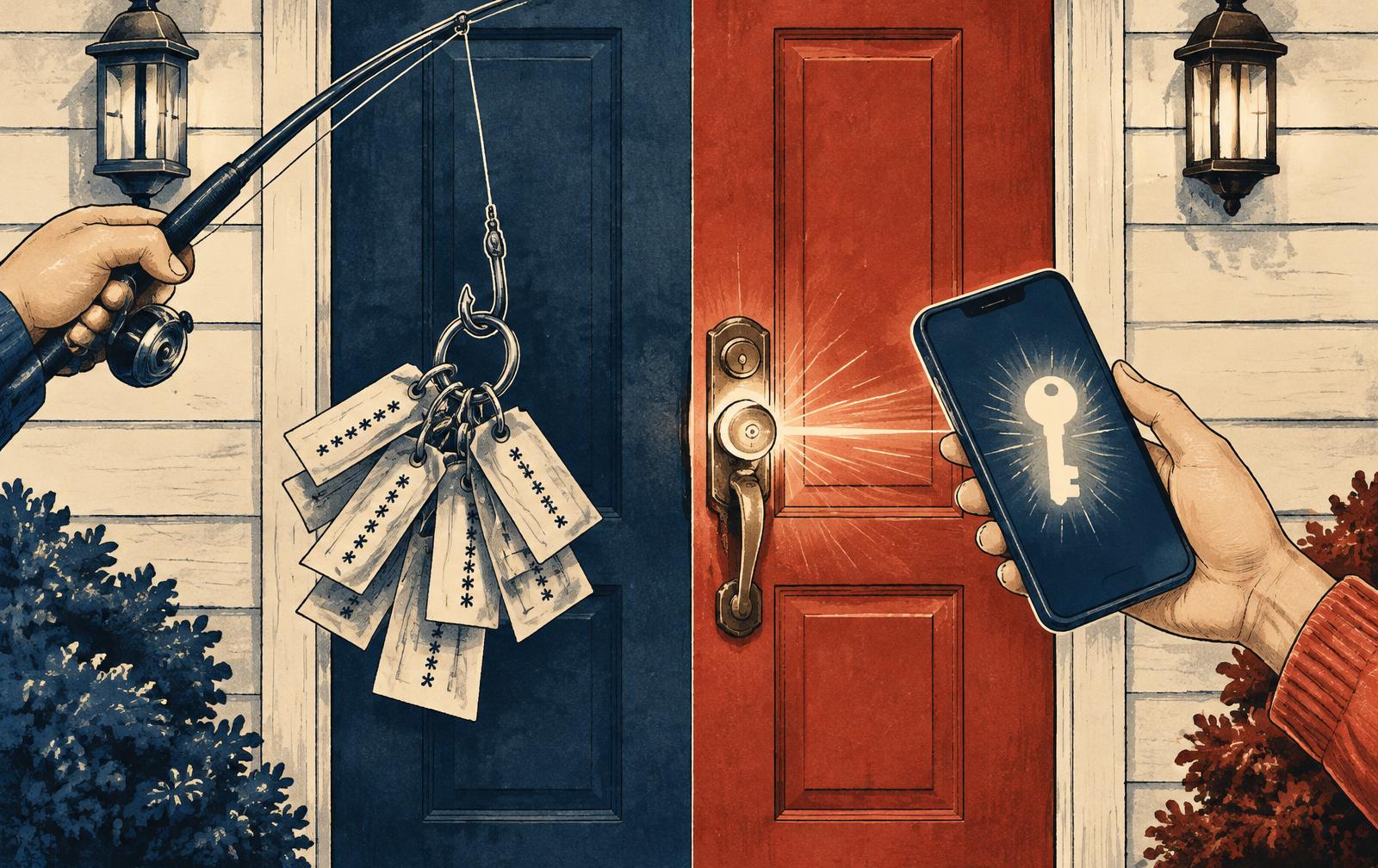
Most Americans still protect their bank, email, health portal and tax account with the same tool: a string of characters they must remember, store and type. That model breaks in three predictable ways. People reuse passwords, so one breach unlocks several accounts. Attackers buy or guess them at scale. And phishing pages persuade people to type them into the wrong place. Passkeys are the industry's answer to all three — and they are now offered by most major email, shopping, banking-app and platform accounts.
This guide compares the two side by side for ordinary US households and small offices. It does not rank companies or products. Technical claims come from NIST's digital identity guidelines, the W3C WebAuthn standard, the FIDO Alliance and CISA; the advice on what to do first is our editorial judgment. For deeper setup and recovery steps, see our earlier passkey migration guide.
The short answer
Where an important account offers a passkey, use it — after you have a tested second way to sign in. Where it does not, use a long, unique password stored in a password manager, plus the strongest second factor the service offers. Those two habits cover most of the risk most people face. The biggest mistake is not choosing the "wrong" one; it is leaving an old, reused password or a weak recovery route active behind a new passkey.
How each one actually works
A password is a shared secret. You know it, the website keeps a copy (ideally a protected hash), and you prove who you are by sending it. Anyone who learns it — from a breach, a guess, a keylogger or a fake login page — can send it too. The website cannot tell the difference.
A passkey is a pair of cryptographic keys. The private key stays on your phone, computer, password manager or hardware security key. The website stores only the public key, which is useless to a thief. When you sign in, the site sends a challenge, you unlock your device with a fingerprint, face or PIN, and the device signs the challenge. Your fingerprint does not go to the website, and there is nothing reusable to steal from the site's database.
Crucially, a passkey is tied to the real website's domain. If you land on a convincing fake, your device will not produce a valid passkey for it. That built-in check is why NIST and CISA describe properly implemented FIDO/WebAuthn authentication as phishing-resistant — a property passwords and text-message codes do not have.
Side by side
- Phishing: A password can be typed into a fake site. A passkey is bound to the real site and will not work for an impostor.
- Data breaches: A breached password database can be cracked and replayed elsewhere. A breached passkey database holds only public keys.
- Reuse: Passwords are often reused across accounts. Each passkey is unique to one account by design.
- Memory burden: Passwords must be remembered or managed. A passkey is unlocked the same way you unlock your phone.
- Device loss: A password survives a lost phone. A passkey survives only if it syncs, or if you registered a backup device or key.
- Coverage: Every site supports passwords. Passkey support is growing but uneven, especially at smaller businesses, utilities and older government portals.
- Sharing: Families share passwords informally, often unsafely. Passkey sharing depends on the credential manager and is less flexible.
Where passwords still make sense — and how to do them right
Passwords will not disappear for years, so doing them well still matters. NIST's current guidance (SP 800-63B-4) has moved away from old corporate habits. It favors length over complexity, recommends that services allow long passphrases and paste from password managers, says organizations should not force routine password changes without evidence of compromise, and calls for checking new passwords against lists of known-breached ones.
For an individual, that translates into a few rules. Make each password unique. Make it long — a random string from a password manager, or a passphrase of several unrelated words. Change it when a service reports a breach, not on a calendar. And never use the same password for your email account as for anything else, because email is usually the reset channel for everything.
Not all second factors are equal
Adding a second step to a password helps a great deal, but the type matters. CISA ranks multi-factor methods roughly in this order, strongest first:
1. Phishing-resistant methods — passkeys and hardware security keys based on FIDO/WebAuthn.
2. App-based push notifications with number matching, which make it harder for attackers to spam approvals.
3. Authenticator-app codes (time-based one-time passwords).
4. Text-message or voice codes, which are better than nothing but can be phished or intercepted through SIM-swap fraud.
So the honest comparison is not only passkeys vs. passwords. It is passkeys vs. a password plus whatever second factor you have. A password plus a text code is far better than a password alone; a passkey is better still against phishing.
A practical order of operations for US households
1. Install a password manager — the one built into your phone or browser, or a reputable standalone one — and protect it with a strong master passphrase and a second factor.
2. Secure your primary email first. Turn on its strongest option, ideally a passkey, and remove old recovery phone numbers you no longer control.
3. Move financial and government accounts next. Banks, brokerage, payment apps, IRS and Social Security accounts, and your mobile carrier deserve the strongest method each offers. Ask your carrier about a SIM-lock or port-out PIN.
4. Create passkeys where offered, then test them. Sign out, sign back in from a second device, and confirm it works before you rely on it.
5. Register a backup. A second device, a hardware key or saved recovery codes stored offline — not only in the email account they are meant to rescue.
6. Replace reused passwords on every remaining account, starting with anything that holds payment details.
7. Revisit once a year. Remove old devices, unknown passkeys and phone numbers you no longer use.
Common traps
- Keeping the old password as a back door. Many sites add a passkey but leave the password active. If that password was reused, attackers will simply use it. Change it to a unique one or disable it where the service allows.
- Weak recovery. If an account can be reset with a text message or a persuasive phone call to support, that is its real strength.
- One device, no backup. A passkey stored only on one phone becomes a lockout when the phone is lost, broken or traded in.
- Approving prompts you did not start. Phishing-resistant sign-in protects the login; it does not stop you from approving a request on a site you were tricked into, or from handing a code to a caller. See our phishing guide.
- Assuming older relatives can manage it alone. Help set up a backup and write down — on paper, stored safely — which accounts use passkeys and how to recover them.
For small businesses
Workplace accounts are a frequent target. CISA urges organizations to prioritize phishing-resistant MFA for email, administrator and remote-access accounts first. Before announcing a passwordless change, inventory which systems support passkeys or security keys, test with staff on different devices, and write a help-desk recovery procedure that a pushy caller cannot talk around. Revoke credentials when someone leaves.
The evidence boundary
The strongest evidence for passkeys is structural: removing a reusable secret and binding the credential to the real domain defeats the ordinary password-phishing attack, and standards bodies and federal guidance agree on that. What public evidence does not show is a single, independently measured percentage by which passkeys reduce account takeover across all Americans; results depend on how each service implements recovery and fallback methods. Vendor statistics on sign-in success or speed are useful but self-reported.
The practical conclusion
Passwords are not doomed overnight, and passkeys are not magic. For the accounts that matter most, a passkey with a tested backup is the strongest everyday protection available to consumers today. For everything else, a unique, long password in a password manager plus a good second factor closes most of the gap. Either way, check the way back in — because that is where attackers will look next.