 PrimetimeGeek independent technology journalism · relaunched 2026
AI Smart Glasses in 2026: Are Wearable AI Devices Finally Becoming Useful for Everyday Consumers?
Camera glasses, voice assistants, in-lens displays and live translation have moved from demos to store shelves. Here is what they actually do well, where battery and privacy still bite, and how US buyers should decide.
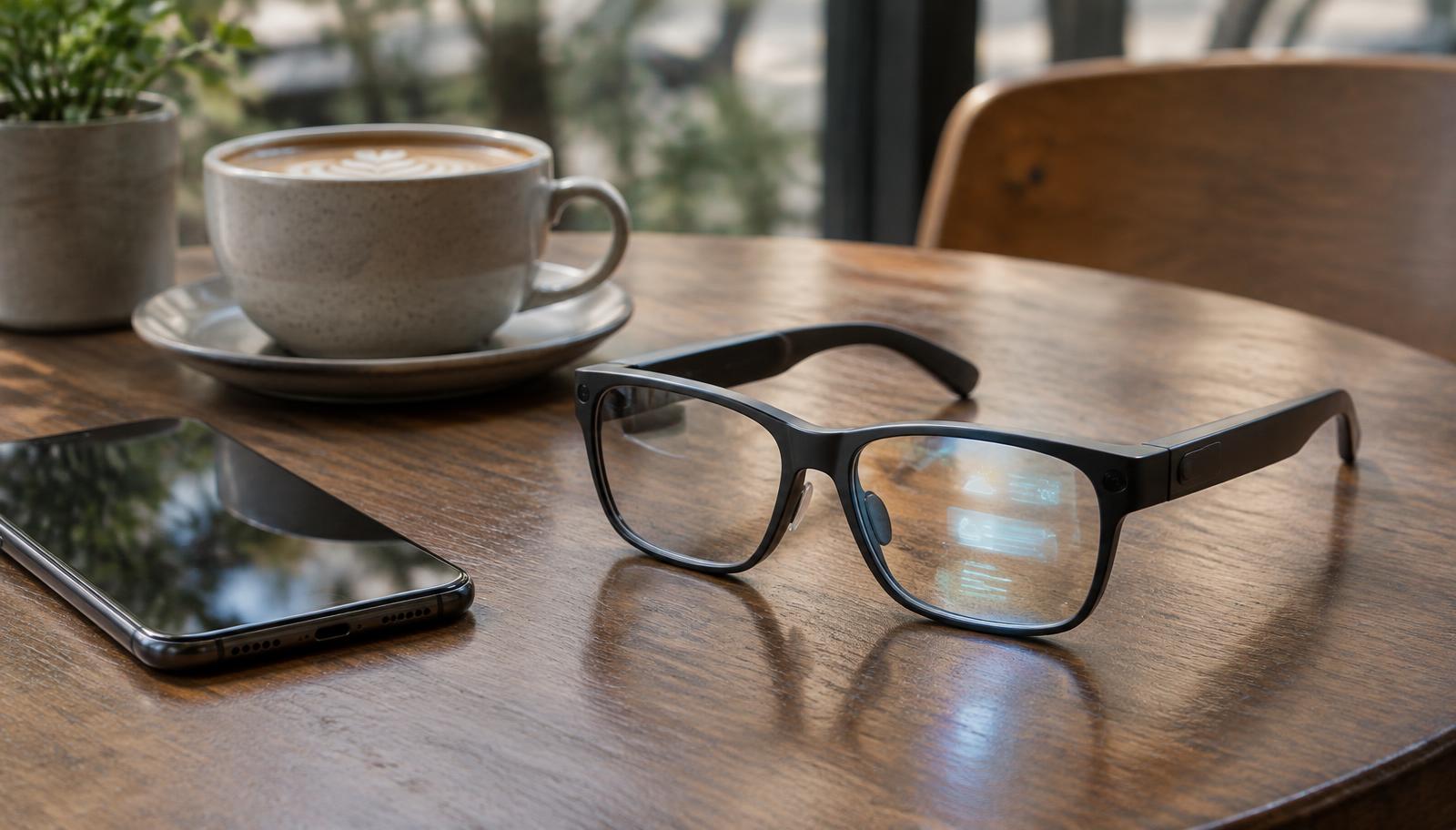
Ten years ago, the honest answer to "should I buy smart glasses?" was no. Google Glass had become a punchline, and the devices that followed were mostly for factory floors or early adopters willing to look odd. In late 2026 the answer is more interesting: for some people, for some tasks, yes—provided you understand what you are buying and what you are giving up.
Reporting scope: This explainer was prepared November 3, 2026, from the dated reviews, announcements and research linked below. It is not a hands-on review. Battery figures and prices are attributed to manufacturers or the outlets that published them; we have not independently measured them, and prices change frequently.
Three kinds of "smart glasses" now on sale
The category name hides very different products, and confusing them is the most common buying mistake.
Camera-and-audio AI glasses. These look like ordinary frames and contain a camera, open-ear speakers, microphones and a voice assistant—but no screen. Meta's Ray-Ban and Oakley lines dominate here. Meta's third-generation Ray-Ban Meta glasses, launched in September 2026 at $449, keep a 12MP camera, add a six-microphone array and are rated for up to nine hours of battery, according to Meta's announcement as reported by Android Authority. Counterpoint Research reported that Meta accounted for 94% of global shipments of display-free AI glasses in the first half of 2026.
Display glasses for glanceable information. These add a small heads-up display in one or both lenses. Meta Ray-Ban Display, priced at $799 in the US with its Neural Band wrist controller, has a single full-color display in the right lens with roughly a 20-degree field of view, weighs about 69 grams, and is rated at around six hours of mixed use. Companies such as Even Realities take a lighter approach with simpler displays and no camera at all.
Tethered "virtual screen" glasses. These are closer to a lightweight headset: wide-view displays connected to a separate compute puck or phone. The Google–Xreal Aura, running Android XR, went on sale October 28, 2026 at $1,099 in the US with a 70-degree field of view, according to The Verge. They are built for watching video and working with floating windows, not for wearing all day on the street.
What they are genuinely good at
The useful features in 2026 are narrower than the marketing suggests, but real:
- Hands-free capture. Taking a photo or short video from your own point of view—while cooking, cycling with a child, or at a concert—is the feature owners most consistently value. It is also the feature that raises the biggest privacy questions (more below).
- Open-ear audio and calls. Many buyers end up using AI glasses mostly as comfortable headphones that do not block ambient sound.
- Voice assistant with a view. Asking "what am I looking at?" about a plant, a sign or a menu works often enough to be useful, but answers can be wrong, and these assistants generally rely on a phone connection and cloud processing.
- Live captions and translation. Display models can show captions or translated speech in your field of view. For people who are hard of hearing, or travelers, this can be meaningful—though accuracy drops in noise and with overlapping speakers.
- Glanceable navigation and messages. Walking directions and short message previews are where in-lens displays earn their keep.
Even favorable long-term reviewers name the gap. Android Central, after about a year with Meta Ray-Ban Display, praised the gesture band and design but concluded that there is "simply not enough to do" yet and called battery life limiting.
Battery life: read the fine print
Manufacturer battery ratings usually assume light, mixed use. Continuous video recording, live AI vision, translation and streaming audio drain batteries much faster. Most camera glasses rely on a charging case that tops them up several times a day, which works if you can take them off periodically—and is a real limitation if they are also your prescription glasses. Before buying, look for independent tests of the specific features you plan to use, not just the headline figure.
Privacy: the issue that has not been solved
Smart glasses put a camera and microphones on someone's face in shared spaces. Recording indicator lights help, but bystanders may not notice or understand them, and France's data protection authority (CNIL) has noted that the category's renewed popularity brings back the same social and legal questions Google Glass raised a decade ago.
For US buyers, practical points matter more than abstractions:
- Know the law where you record. Rules on recording audio differ by state; some require consent from everyone in a conversation. Workplaces, schools, gyms, hospitals and many venues ban recording devices.
- Understand where your data goes. Photos, voice commands and AI vision queries may be processed in the cloud and, depending on settings, retained or used to improve services. Read the companion app's privacy settings before first use, not after.
- Be a considerate wearer. Take them off or announce recording in private settings. Social acceptance will shape this category as much as hardware does.
Our earlier guide to AI chatbots and data privacy applies directly: an assistant you talk to through glasses is still a chatbot with a data policy.
Practical buying considerations
1. Start with the job, not the gadget. If you mainly want photos and audio, camera glasses without a display are lighter, cheaper and last longer. Pay for a display only if you will read things in it daily.
2. Check prescription support. Ranges vary by model, and strong or progressive prescriptions may not be supported or may cost extra.
3. Try them on. Fit, weight and how the frame looks on your face decide whether you will actually wear them. Analysts have noted that design familiarity is a big reason Ray-Ban–branded models sell.
4. Confirm phone compatibility and ecosystem. Features depend on companion apps, regional availability and sometimes a specific phone platform.
5. Budget for the whole lifetime. Batteries in glasses are not easily replaceable. Ask about warranty, battery degradation and how long software updates are promised.
6. Wait for independent reviews of first-generation products. New categories, especially display and tethered glasses, often improve markedly in the second generation.
So, are they finally useful?
For hands-free capture, open-ear audio and quick questions, AI glasses in 2026 have crossed from novelty into something many owners use daily. Display glasses are promising for captions, translation and navigation but still limited by battery, weight and app selection. Tethered virtual-screen glasses are a niche entertainment and productivity tool. None of them replace a smartphone yet—and the privacy questions are as much about how wearers behave as about the hardware.
Sources
- Android Authority: Ray-Ban Meta Gen 3 launch details (September 24, 2026)
- Android Central: Meta Ray-Ban Display long-term review (September 16, 2026)
- Frames and Features: Meta Ray-Ban Display published specifications (updated October 5, 2026)
- The Verge: Google–Xreal Aura price and launch (October 28, 2026)
- SightFront: Meta glasses lineup and Counterpoint shipment share (November 1, 2026)
- Android Authority: Samsung Android XR glasses design analysis (October 21, 2026)
- CNIL LINC: Smart glasses, what was old is new again? (May 11, 2026)