 PrimetimeGeek independent technology journalism · relaunched 2026
AI PCs in 2026: Are They Worth Buying or Is a Traditional Laptop Still Enough?
What an NPU actually does, which Windows AI features need one, how battery, memory and price compare, and who should and should not pay for an AI PC this year.
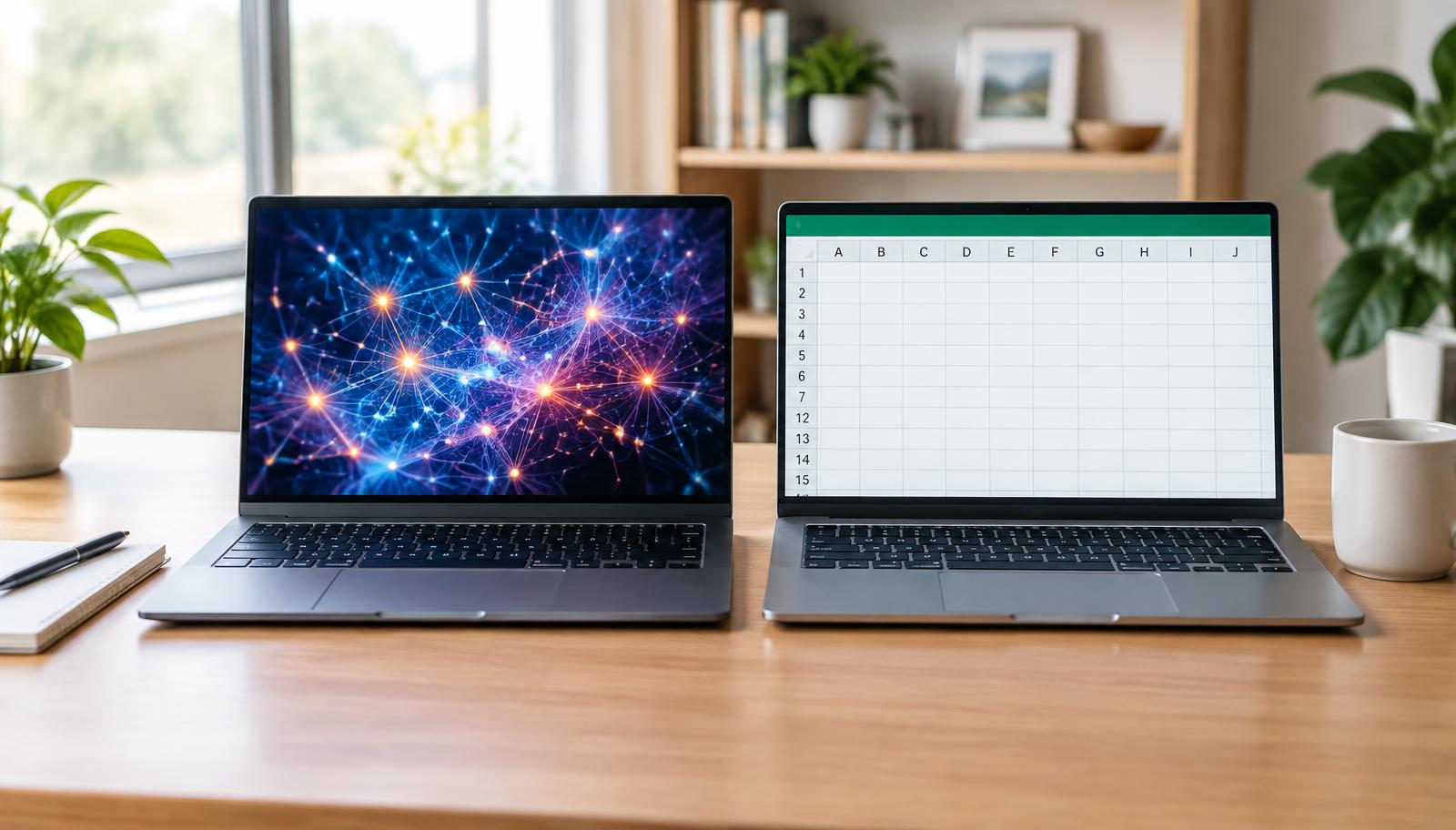
Walk into any US electronics store this fall and the word "AI" is printed on nearly every laptop box. Some of those machines carry hardware that genuinely changes what the computer can do on its own. Others mostly carry a sticker. If you are deciding whether to pay more for an AI PC, the useful question is not whether AI is the future. It is whether the specific features you would use justify the price today.
Short answer: An AI PC is a sensible purchase if you are already buying a new midrange or premium Windows laptop and plan to keep it for several years. It is rarely worth paying a large premium for, and a good traditional laptop remains enough for most web, email, Office and streaming work. ChatGPT, Gemini and Copilot in the browser run in the cloud and work on almost any computer.
Scope: This guide reviews manufacturer documentation, Microsoft requirements and published independent reviews available November 17, 2026. PrimetimeGeek did not run its own lab tests for this article. Manufacturer claims are labeled as such, and no benchmark figures here are our own.
What makes a computer an AI PC?
There is no legal definition. Chipmakers use "AI PC" for almost any laptop with a neural processing unit. The more meaningful bar is Microsoft's Copilot+ PC program, which requires an NPU rated at 40 trillion operations per second (TOPS) or more, at least 16GB of memory and 256GB of storage. GPU performance does not count toward that requirement. A laptop marketed as an AI PC that falls below this bar will not get Microsoft's Copilot+ features.
Current Copilot+ chips include Qualcomm's Snapdragon X2 Elite and X2 Plus, Intel's Core Ultra Series 3 ("Panther Lake") and AMD's Ryzen AI 300 and 400 series. Examples on sale include the HP OmniBook Ultra 14, Lenovo Yoga Slim 7x Gen 11, ASUS Zenbook A14, Dell XPS and Microsoft Surface Laptop lines, and Acer Swift models.
What is an NPU, and how is it different from a CPU and GPU?
Think of three specialists. The CPU is the generalist that runs Windows, apps and most everyday work. The GPU handles graphics and large parallel workloads, including heavy AI, but draws a lot of power. The NPU is built for the repetitive math behind AI inference and does it at much lower power, which matters on battery.
TOPS ratings are manufacturer figures measured under each company's own conditions. HP, for example, says the OmniBook Ultra 14 offers up to 85 TOPS. Treat TOPS like horsepower on a spec sheet: useful for confirming a laptop clears the 40 TOPS line, not a reliable predictor of how fast your apps will feel.
Which AI features are on modern Windows laptops?
On Copilot+ PCs, Microsoft lists features that use the NPU, including Windows Studio Effects (background blur, eye contact and voice focus on video calls), Live Captions with translation, improved Windows search that understands descriptions, Click to Do actions on screen content, image tools in Photos and Paint, and Recall, an opt-in feature that saves snapshots of your activity so you can search it later. Availability varies by region, chip and Windows update, so check Microsoft's current feature list for a model before buying.
Manufacturers add their own software too, such as HP's AI Companion and Lenovo's AI assistant tools. These range from useful to forgettable, and none should be the main reason to buy.
What can you actually do with on-device AI?
The everyday wins are modest but real: cleaner video calls without draining the battery, captions for a call in another language, finding a file by describing it, and quick photo edits. Developers and enthusiasts can run small open language models locally using tools that support NPUs, though many such tools still rely on the GPU. Industry coverage this month notes that software actually using the NPU remains limited, which is the honest caveat for anyone paying extra for one.
AI PC vs. traditional laptop for everyday work
For browsing, documents, spreadsheets and streaming, a recent traditional laptop and an AI PC feel similar. Speed comes mostly from the CPU, enough memory and a fast SSD. The difference shows up in specific tasks and in battery life, not in day-to-day responsiveness. The table summarizes the trade-offs.
| Factor | AI PC (Copilot+ class) | Traditional laptop |
|---|---|---|
| AI processing | NPU of 40+ TOPS runs local AI features at low power | CPU/GPU only; cloud AI works fine, Copilot+ features unavailable |
| Everyday performance | Fast, but driven mostly by CPU, memory and storage | Similar for web, email and Office on a recent chip |
| Battery | Arm models often test well; varies by chip and battery size | Wide range; older Intel/AMD designs usually shorter |
| Privacy | Some features process on device; settings still matter | Relies on cloud AI, which sends data to a provider |
| Software compatibility | Intel/AMD models: full; Arm models: check apps, drivers, games | Full x86 compatibility |
| Price | Usually midrange to premium; 16GB RAM is required | Cheaper options, especially discounted older models |
| Best for | Frequent video calls, travel, buyers keeping a PC 5+ years | Tight budgets, gamers, specialized x86 software |
Performance, battery, memory and storage
Performance: Independent reviews have rated Snapdragon X2 Elite laptops among the fastest thin Windows notebooks; ComputerBase called the Lenovo Yoga Slim 7x Gen 11 the fastest Windows notebook it had measured. A Qualcomm-commissioned Signal65 report also favored X2 Elite Extreme over Intel and AMD rivals, but because Qualcomm paid for it, read it as vendor-backed evidence.
Battery: In Notebookcheck's Wi-Fi test, an ASUS Zenbook A14 with X2 Elite ran about 16 hours versus about 12 for an Intel Core Ultra 9 386H MSI Prestige 13 AI+, but the ASUS also had a larger battery (70Wh vs. 54Wh). Battery claims depend heavily on battery size, screen and settings.
Memory and storage: Copilot+ requires 16GB, which is also a sensible floor for any new laptop in 2026. Choose 32GB if you run local models, edit video or keep many apps open, because memory on most thin laptops is soldered and cannot be upgraded. Aim for at least 512GB of storage.
Compatibility: Intel and AMD AI PCs run standard Windows software. Snapdragon models run Windows on Arm, which handles most mainstream apps well, but some games with anti-cheat software, older printer drivers, VPN clients and specialized business tools may not work. Check your must-have apps first.
Privacy: what local AI does and does not protect
Processing on the device means some data, such as call audio for background effects or captions, does not need to leave the computer. That is a real benefit. It is not a blanket guarantee. Many assistants, including Copilot chat, still use the cloud. Recall stores a searchable history of your screen locally, which can include sensitive information; Microsoft made it opt-in and protected by Windows Hello sign-in, but households and businesses should decide deliberately whether to enable it. Review privacy settings during setup.
Pricing: is the extra cost justified?
AI PCs mostly sit in the midrange and premium tiers. Thurrott reported the Snapdragon X2 HP OmniBook Ultra 14 starting around $2,200 list, with a base X2 Plus configuration selling for $1,200 on sale. X2 Plus laptops reach lower prices, while many traditional laptops cost well under $700. Memory shortages have also pushed prices up across the market this year, as we covered in our analysis of AI demand and electronics prices.
If two laptops with similar screens, build and battery cost roughly the same, choose the AI PC; the NPU becomes a free bonus. If the AI PC costs several hundred dollars more and you cannot name a feature you would use weekly, the premium is hard to justify.
Who should consider an AI PC?
Remote workers on frequent video calls, students and professionals who travel and value battery life, people who rely on captions or translation, developers experimenting with local AI, and anyone planning to keep a laptop five years or more, since future Windows features are likely to assume an NPU.
Who can stick with a traditional laptop?
Budget shoppers, people whose current laptop still runs Windows 11 well, gamers who need a strong dedicated GPU, small businesses tied to software that does not support Arm, and anyone whose AI use is mainly ChatGPT or Gemini in a browser.
What to check before upgrading in 2026
1. Look for the Copilot+ PC label, not just the word AI. 2. Get at least 16GB of memory, 32GB for heavier work. 3. On Snapdragon models, confirm your apps, games, printer and VPN support Windows on Arm. 4. Compare independent battery tests, not manufacturer hours. 5. Check that the specific Windows AI features you want are available on that chip. 6. Compare with a similarly priced non-AI laptop before paying a premium. See also how much RAM you need.
Our buying recommendation
If you need a new laptop now and are spending about $900 or more, buy a Copilot+ PC with 16GB to 32GB of memory; Intel or AMD models are the safer choice for compatibility, while Snapdragon models are strong for battery life. If your current laptop still works well or your budget is tight, keep it or buy a well-reviewed traditional laptop. Do not upgrade just for AI features.
FAQs
Do I need an AI PC to use ChatGPT, Gemini or Copilot? No. Those services run in the cloud and work in a browser on almost any computer.
Is 40 TOPS enough? Yes, it meets Microsoft's Copilot+ requirement. Higher TOPS ratings are manufacturer figures and do not guarantee faster everyday performance.
Are Snapdragon AI PCs compatible with my software? Most mainstream apps work on Windows on Arm, but check games with anti-cheat, drivers, VPNs and specialized tools before buying.
Will a traditional laptop become obsolete? Not soon. It will keep running Windows 11 and cloud AI, but it will miss NPU-based features, which may grow over time.
Editorial independence: No manufacturer paid for or reviewed this article, and PrimetimeGeek has no affiliate relationship with any brand named.
Sources
- [1] Digital Today: Laptop AI performance race intensifies (November 16, 2026; accessed November 17, 2026)
- [2] Microsoft: Copilot+ PCs (accessed November 17, 2026)
- [3] Pocket-lint: HP CES 2026 hands-on, OmniBook Ultra 14 (January 5, 2026)
- [4] Thurrott: HP OmniBook Ultra 14 (Snapdragon X2) first impressions (June 1, 2026)
- [5] NEX: Snapdragon X2 vs. Panther Lake, citing ComputerBase and Notebookcheck tests (October 21, 2026)
- [6] Windows Central: Signal65 report on Snapdragon X2 Elite Extreme, Qualcomm-commissioned (August 18, 2026)