 PrimetimeGeek independent technology journalism · relaunched 2026
Passkeys vs. Passwords in 2026: Which Is Safer for Everyday Users?
Passkeys are no longer a promise. With billions in use and a year of sign-in data from Amazon, Google, Microsoft, PayPal and others, the safety question finally has evidence. Here is what it shows — and where passwords still matter.
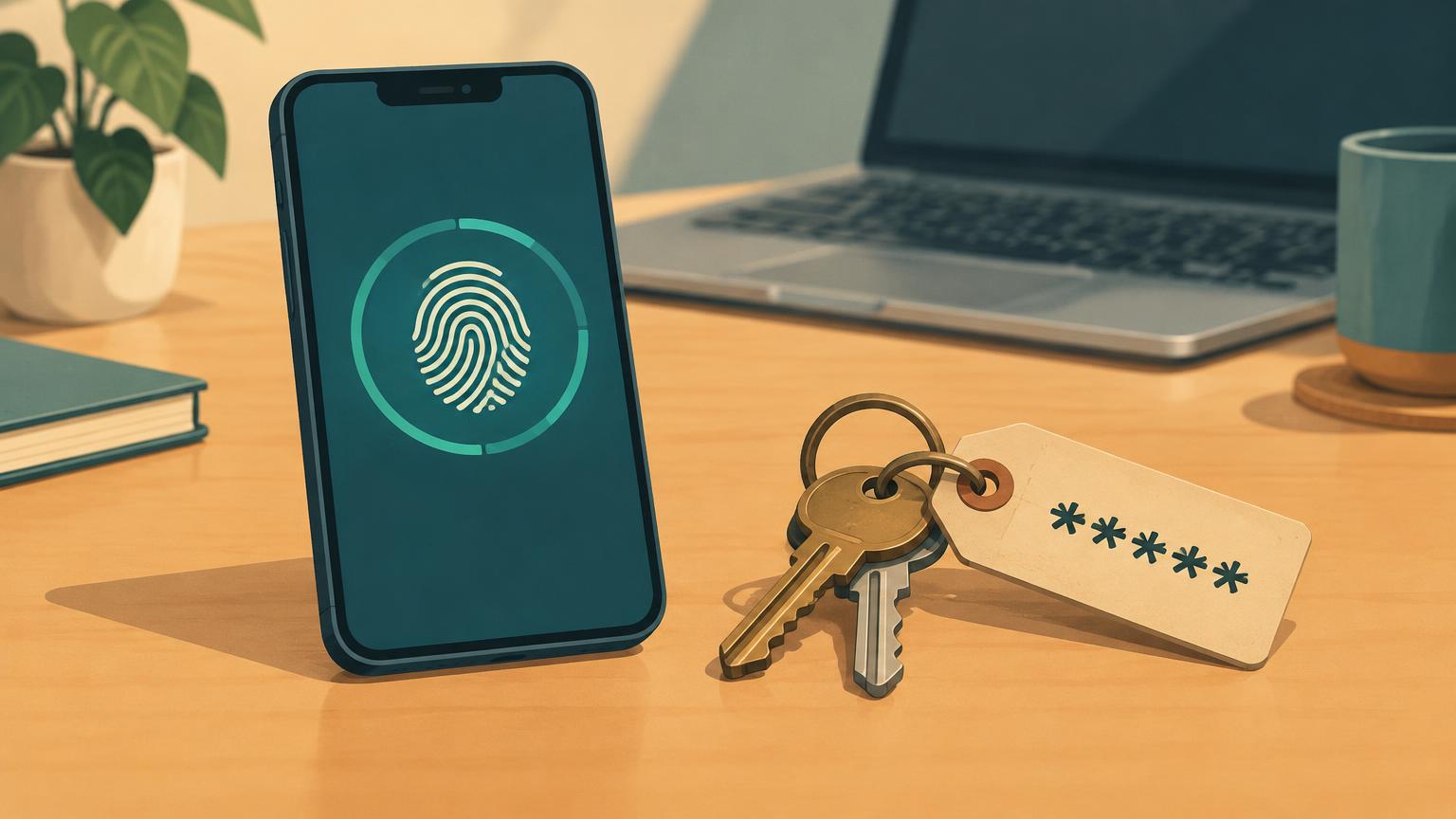
For years, the honest answer to “which is safer, a passkey or a password?” was: probably the passkey, but almost nobody used one, so the question was theoretical. That changed in 2026. The FIDO Alliance, the industry group behind the passkey standard, now estimates that seven billion passkeys are in use worldwide, and its latest data covers real sign-ins at fifteen large consumer services, including Amazon, Google, Microsoft, PayPal, TikTok and WhatsApp.
That means the safety comparison can finally be made with evidence instead of arguments. This article lays out what the 2026 numbers show, where a passkey is genuinely harder to attack than a password, where passwords still matter, and what a sensible setup looks like for an everyday American user. If you want step-by-step setup instructions rather than a comparison, our earlier guide, Passkeys vs. Passwords: How Americans Can Better Protect Online Accounts, walks through the process.
Short answer: For most everyday users, a passkey is safer than any password, including a strong password with a text-message code. A passkey cannot be typed into a fake website, cannot be guessed or reused, and is not stored on a company’s server in a form attackers can steal and crack. The catch is recovery: a passkey’s safety depends on the account that holds it, such as your Apple, Google or password-manager account, so that account needs to be locked down first. The practical answer for 2026 is not “passkeys or passwords” but “passkeys wherever they are offered, a password manager and multifactor authentication for everything else.”
What changed in 2026
The most useful new evidence is the FIDO Alliance’s Passkey Index 2026, published in October. It draws on sign-in data from fifteen major consumer services, up from nine the year before. Three findings matter for everyday users:
First, people actually use passkeys now. More than one in three successful sign-ins across the participating services used a passkey (36 percent), up from roughly one in four (26 percent) a year earlier. Across those services, an average of 90 percent of active accounts were eligible for a passkey, and 42 percent of eligible accounts had one enrolled.
Second, passkeys work better in practice. Passkey sign-ins succeeded 93 percent of the time, compared with 78 percent for passwords combined with traditional multifactor authentication, and they were nearly three times faster, saving about 27 seconds per sign-in. This matters for safety, not just convenience: security that people abandon mid-flow gets bypassed, and bypassed security protects no one.
Third, the security benefit is showing up in the places that measure it. Every participating service that tracks phishing reported fewer successful attacks after deploying passkeys, and every one that shared cost data reported spending less on text-message login codes.
Other 2026 data points tell the same story from different angles. On World Passkey Day in May, the FIDO Alliance estimated five billion passkeys in use and reported, from a survey of 11,000 consumers and 1,400 enterprise decision-makers across ten countries, that 90 percent of people were aware of passkeys, 75 percent had enabled one on at least one account, and 49 percent used them regularly when available. Password manager maker Dashlane reported in October that 57 percent of its users now hold at least one passkey, up from 40 percent in 2025 and 20 percent in 2024, with monthly passkey authentications among its users nearly doubling over the year to 2.5 million.
One caution before the next section: the Passkey Index measures fifteen large, participating services, not the whole internet. These are companies with the resources to deploy passkeys well. The numbers are strong evidence that passkeys work at scale, not proof that every website offers them or that passwords are close to disappearing.
Why a passkey is harder to attack than a password
A password is a shared secret: you know it, and the website’s server stores something derived from it to check you. Every major password weakness comes from that arrangement. A passkey replaces the shared secret with a pair of cryptographic keys. The website stores only the public half; the private half never leaves your device or your synced account. That one design change removes several entire categories of attack:
Phishing. A passkey is bound to the exact website it was created for. If a scam text sends you to a convincing fake of your bank, the fake site cannot ask your phone for the real site’s passkey — the browser simply will not offer it. A password, by contrast, can be typed into any page that asks, which is why phishing remains the most common way accounts are taken over. Our guide to spotting phishing messages covers how those lures work.
Data breaches. When a company’s user database is stolen, password hashes get cracked offline at leisure, and the results are tried on other sites. A stolen list of passkey public keys is useless to an attacker — there is no secret to crack and nothing to try elsewhere.
Guessing and reuse. There is nothing to guess, nothing to reuse across sites, and nothing for “credential stuffing” attacks to replay. The weakest-link problem — one sloppy site exposing the password you also use at your bank — disappears.
The human factor. Because a passkey sign-in is a fingerprint, a face scan or a device PIN, there is nothing to forget, nothing to write on a sticky note, and nothing a caller claiming to be “the bank” can talk you into reading out. You cannot accidentally hand over a secret you do not know.
Where passwords still matter — and where passkeys can go wrong
None of this means passwords are finished, or that passkeys are magic. Four limits deserve honest treatment:
Coverage is still incomplete. The 90 percent eligibility figure comes from fifteen major services. Millions of smaller websites, many banks and credit unions, government portals, employer systems and older apps still offer only passwords. For those accounts, the safety question is not passkey versus password — it is a unique, manager-generated password with multifactor authentication versus a reused one. Our cybersecurity tools guide covers that baseline setup.
Recovery is the real risk. A password lives in your head or your password manager; a passkey lives on your devices or in a synced account such as iCloud Keychain, Google Password Manager or a third-party manager. Lose every device and lose access to that sync account, and you can be locked out. The safety of a passkey setup is only as good as the recovery path behind it — which is why the account that holds your passkeys needs its own strong protection, and why you should know each important service’s account-recovery process before you need it.
Passkeys do not stop everything. Malware on your device, theft of an already-signed-in session, and scams where you personally approve a fraudulent login or payment all bypass the passkey’s protections. A passkey proves it is really you signing in to the real site; it cannot stop you from being talked into doing the signing in.
Sharing and edge cases. Family streaming accounts, shared small-business logins, older phones, some smart TVs and game consoles still assume a password world. Passkeys can be shared in some ecosystems now, but the experience is uneven.
Side by side
The table below summarizes the practical comparison. The success-rate and speed figures are the FIDO Passkey Index 2026 averages across its fifteen participating services; the rest reflects how the two systems are designed.
| Question | Password (even with MFA) | Passkey |
|---|---|---|
| Can it be phished on a fake site? | Yes — you can type it anywhere | No — bound to the real site’s domain |
| What does a breached database leak? | Hashes that attackers crack offline | Public keys, useless on their own |
| Can it be guessed or reused? | Yes — the core weakness | No — a unique key pair per site |
| Sign-in success rate (FIDO 2026) | 78% (with traditional MFA) | 93% |
| Speed (FIDO 2026) | Baseline | About 2.8× faster, ~27 seconds saved |
| Available everywhere in 2026? | Effectively yes | Most large services; long tail still missing |
| Main risk | Phishing, reuse, breaches | Losing the device or sync account behind it |
| Stops malware or session theft? | No | No |
So which is safer for you?
For an everyday user in 2026, the evidence points one way: where a service offers a passkey, turn it on. Start with the accounts that matter most — your primary email (which resets every other password), banking and payment apps, and the shopping accounts that store your card. Then accept that you will live in a mixed world for years: keep a password manager generating unique passwords for the long tail of sites that have not caught up, keep multifactor authentication on those password accounts, and prefer an authenticator app or hardware key over text-message codes where you have the choice.
Two habits make the passkey side of that setup actually safe. First, protect the account that holds your passkeys — your Apple, Google or password-manager account — with the strongest sign-in it supports, because it is now the master key. Second, sort out recovery before you need it: know how you would get back into that account from a new phone, and keep any recovery codes somewhere safe and offline.
Common mistakes to avoid
Turning off MFA too early. Adding a passkey to an account does not mean you should strip protection from the password that still exists behind it. Follow the service’s own guidance on what can safely be removed.
Assuming a passkey makes you invulnerable. It removes phishing, guessing and breach-replay risk. It does nothing about malware, scam phone calls, or a thief who tricks you into approving a login. The rest of your security hygiene still applies.
No recovery plan. A passkey with no tested recovery path trades one risk for another. Check the recovery options on your most important accounts the day you set up the passkey, not the day you lose the phone.
Ignoring the long tail. The accounts most likely to be breached are the forgotten ones — old forums, unused shopping accounts — that still hold a reused password. A password manager’s security audit feature will list them.
Five questions readers ask
Can a passkey be hacked? Not in the ways passwords routinely are: it cannot be phished onto a fake site, guessed, or cracked from a stolen database. The realistic attacks are against the device or the sync account holding it — which is why those need strong protection — or against you, through scams that get you to approve something yourself.
What happens if I lose my phone? If your passkeys sync through iCloud Keychain, Google Password Manager or a third-party manager, you sign in to that account on a new device and your passkeys return. If a passkey existed only on the lost device, you fall back on each service’s account-recovery process — which varies from painless to painful. This is the strongest argument for knowing the recovery path in advance.
Is a passkey safer than a password plus a text-message code? Yes, on the evidence available. Text-message codes can be phished in real time, intercepted through SIM-swapping, and — as the FIDO data shows — the whole password-plus-MFA flow fails more often (a 78 percent success rate versus 93 percent for passkeys across the Index participants). An authenticator app or hardware security key narrows that gap but still leaves a phishable password underneath.
Do I still need a password manager? Yes. Most of the internet still runs on passwords, and a manager is what makes unique, strong passwords livable. Most managers now store passkeys too, so the tool is converging rather than being replaced.
Will passwords disappear by 2027? Almost certainly not. Adoption is accelerating — Dashlane’s figures suggest most of its users could hold a passkey by mid-2027 — but the FIDO Alliance itself describes closing the gap between passkey availability and everyday use as the central remaining challenge, and the long tail of smaller sites will take years. Plan for a mixed world, not a password-free one.
The bottom line
Asked in 2022, “passkeys or passwords?” was a bet on the future. Asked in 2026, it is a question with data behind it: passkeys sign in more successfully, far faster, and with measurably less phishing at the services that have deployed them. For the accounts that matter most, a passkey is the safer choice today. For everything else, a password manager and multifactor authentication remain the safety net — and the account that holds your passkeys is now the most important login you own.
PrimetimeGeek has no commercial, affiliate or advertising relationship with the FIDO Alliance, Dashlane, or any company named in this article, and none paid for or reviewed this coverage. Adoption figures are as reported by the organizations cited; the Passkey Index reflects fifteen participating services, not the entire internet.
Sources
- [1] FIDO Alliance: Passkey Index 2026 (October 15, 2026) (accessed November 21, 2026)
- [2] FIDO Alliance: 7 Billion Passkeys and Counting (October 15, 2026) (accessed November 21, 2026)
- [3] FIDO Alliance: Five Billion Passkeys — World Passkey Day 2026 (May 7, 2026) (accessed November 21, 2026)
- [4] Biometric Update: FIDO Alliance counts 7 billion passkeys as adoption gains momentum (October 20, 2026) (accessed November 21, 2026)
- [5] The Arabian Post: New authentication research charts shift away from passwords, including Dashlane figures (October 29, 2026) (accessed November 21, 2026)
- [6] CISA: Use Strong Passwords (accessed November 21, 2026)
- [7] CISA: Recognize and Report Phishing (accessed November 21, 2026)
- [8] FTC: IdentityTheft.gov recovery resource (accessed November 21, 2026)