 PrimetimeGeek independent technology journalism · relaunched 2026
Cybersecurity on a Budget: What American Households Should Protect First
A practical household plan that puts email security, supported devices, recoverable files and free credit freezes ahead of unnecessary security subscriptions.
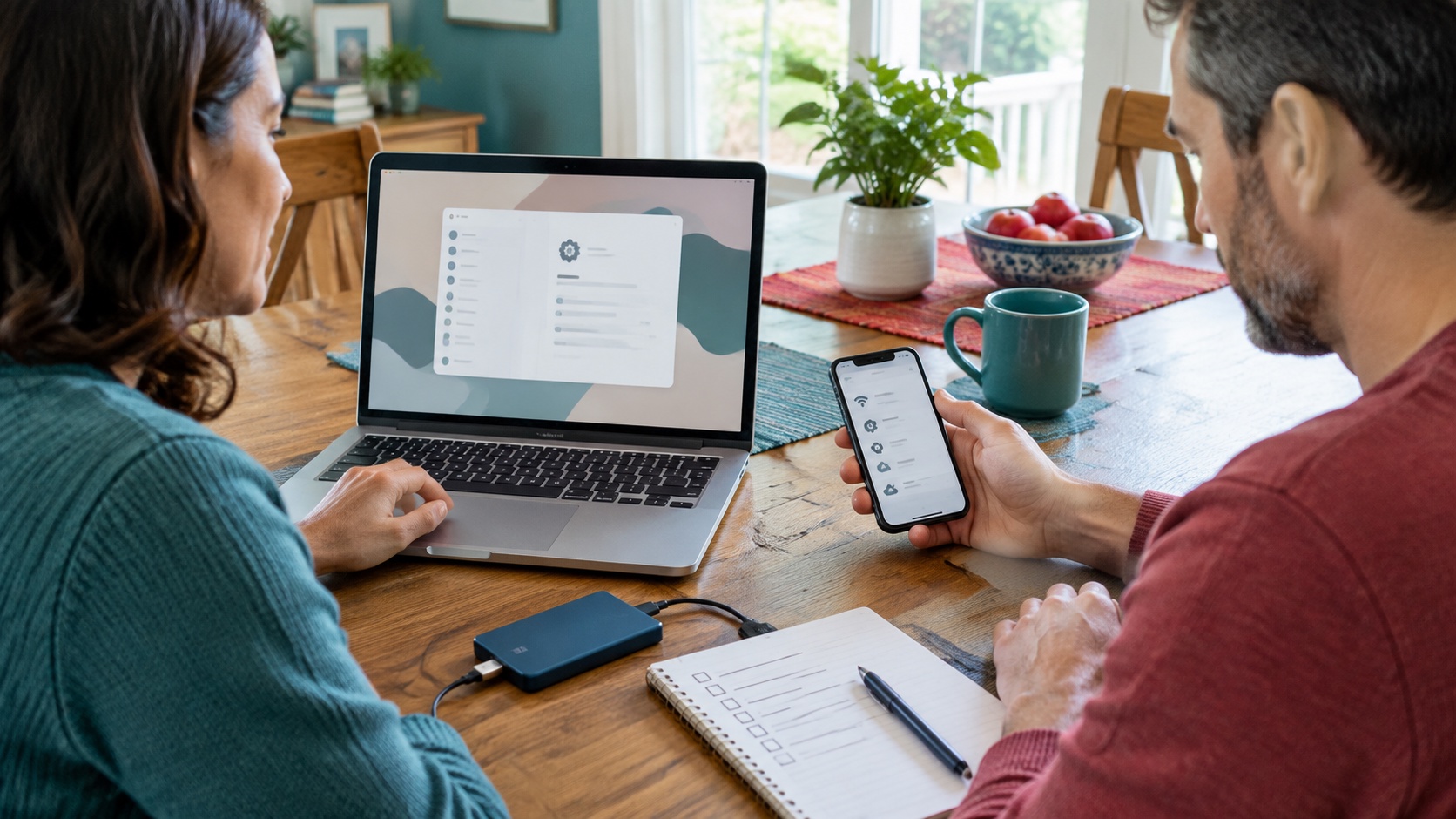
A family can pay for antivirus, a VPN and identity monitoring and still have its most important accounts protected by the same reused password. That is not a reason to give up on security software. It is a reason to change the order of the work.
The budget question is not which security bundle contains the most features. It is which failure would hurt your household most, and what you can do to make that failure less likely or less damaging. Losing access to email, losing years of photos and sending money to an impersonator need different answers.
Short answer: Before buying another subscription, protect your primary email, fix reused passwords, keep supported devices updated, make an independent backup and agree on a rule for unexpected money requests. For US consumers, a free credit freeze is another useful layer against certain forms of identity theft. Spend only when a specific gap remains.
About this guide: This is an AI-assisted analysis of public US government guidance reviewed November 26, 2026, not original incident reporting or a laboratory product test. The household examples are hypothetical. We do not estimate a dollar saving or promise that these steps prevent every attack. Our earlier cybersecurity tools guide explains product categories; this follow-up focuses on household priorities, shared responsibilities and recovery.
Start with a map of what you cannot afford to lose
Make a short inventory, not a spreadsheet of everything you own. Write down the email account used for password resets, financial accounts, the account that manages your phone, the location of important documents and the devices still in regular use. Include the person responsible for each. Record account names, not passwords, on an ordinary shared checklist.
Then ask three questions: Who can get back into this account if a phone disappears? Where is the second copy of these files? Does this device still receive security updates? An unanswered question identifies work more clearly than a security application's score.
A hypothetical household with two adults and a teenager might discover that one adult handles every login and keeps recovery instructions only on a laptop. The immediate problem is not a lack of another scanner. It is that losing that laptop could also remove the family's route back into essential services. Recovery planning is part of security, not a separate chore.
Priority one: protect the account that unlocks the others
Email deserves attention before less important shopping accounts because password-reset messages often arrive there. Use a unique password stored in a trusted manager, add the strongest available sign-in protection and review recovery information. CISA's consumer guidance emphasizes strong passwords, multifactor authentication, phishing awareness and software updates. 1
Where supported, consider a passkey. Where it is not, enable available multifactor authentication rather than waiting for a perfect option. Check signed-in devices and recovery addresses through the provider's actual application or website. Do not act on an unsolicited message offering to 'secure' your account.
Store recovery codes securely outside the account they recover. Decide who should have access and how that person would find them. Sharing an entire password vault is not automatically appropriate, especially where work accounts or private information are involved. Use a provider's documented family-sharing or recovery arrangements when they fit your needs.
For the trade-offs between synced credentials, device loss and account recovery, see our passkeys-versus-passwords comparison. A convenient sign-in method is useful only if you understand what happens when your usual device is unavailable.
Priority two: stop paying to compensate for unsupported devices
Open the update settings on each regularly used phone and computer. Check that updates install and that necessary restarts actually happen. Look up the manufacturer's support information for older equipment, including the router. An old device working normally is not evidence that it still receives fixes.
CISA's 2026 awareness guidance explicitly calls for replacing end-of-support devices as part of reducing exposure and improving recovery. That does not mean every household must buy new hardware on a calendar schedule. It means support status should influence what sensitive work you entrust to a device. 1
Before replacing equipment, check the manufacturer's documented upgrade or extended-support options and their limits. If replacing everything is unaffordable, prioritize supported devices for email, banking and other high-value accounts. Reusing an older device for a less sensitive purpose may reduce its role in your digital life, but it does not make unsupported software safe.
A paid antivirus subscription is not a substitute for an operating-system security fix. Start by confirming that the platform's existing protection is active. Buy additional software for a defined feature, such as household management or support, rather than treating an expiring trial warning as proof that a purchase is mandatory.
Priority three: buy recoverability, not just reassurance
List the files you would genuinely miss: family photos, tax documents, records needed for work, medical paperwork and creative projects. Identify which are on a computer, which exist only on a phone and which are already held by a cloud provider.
Synchronization and backup are not interchangeable. A synchronized folder can copy an accidental deletion to other devices. A backup may preserve earlier versions, but only under the provider's retention and restore rules. Know which folders are included, how long deleted files remain available and what happens if you stop paying.
If you already own an appropriate external drive, use it for a separate copy and disconnect it when not backing up. Protect sensitive backups and keep recovery credentials separately. If a drive or additional cloud capacity is needed, that purchase can address a real gap rather than duplicate another protection package.
Test recovery with a non-sensitive document and a photo. Restore them to a separate location and open them. This proves that those particular files can be retrieved; it does not certify the whole collection. Repeat the exercise after a major change, such as a new laptop or backup provider. Our cloud-versus-local-storage guide explains why combining locations can protect against different failures.
Priority four: use the free US credit-freeze option deliberately
Account security does not stop a criminal from trying to open a credit account using personal information obtained elsewhere. A security freeze restricts prospective creditors' access to your credit file and can help prevent new-account identity theft. The Consumer Financial Protection Bureau says placing and lifting freezes is free at Equifax, Experian and TransUnion; you must contact each separately. 2
Do not confuse a statutory security freeze with a commercial credit-lock package. The CFPB says locks may be bundled with paid services and are no more effective than free security freezes. Use each bureau's official process, keep access information secure and plan ahead when you need to apply for credit.
A freeze does not protect the money already in a bank account, stop every form of identity theft or erase exposed information. It also does not stop you reviewing your own credit file. Treat it as one narrow, useful control, not a substitute for financial-account protection.
Parents and legal guardians can also obtain a free freeze for children under 16 under the federal framework described by the CFPB. The documentation and process differ from an adult's online request, so follow each bureau's instructions. This is worth considering before a child ever needs to borrow, not only after suspicious mail arrives. 4
Priority five: make a household rule for urgent money requests
A scam can succeed without malware. Someone impersonating a relative, bank employee or government official may persuade the recipient to transfer money or reveal a code. Better software does not automatically undo that decision.
Agree that unexpected money requests get checked through a separate, familiar channel. End the incoming conversation and call the person or organization using a number you already trust, not the number supplied in the message. A caller's confidence, apparent knowledge of your family or familiar-sounding voice is not sufficient verification.
The CFPB warns that scammers impersonate financial institutions and government agencies. It specifically notes that the FTC does not tell people to move money to 'protect' it, withdraw cash or buy gold for collection. This is practical evidence for a simple family rule: an urgent demand to move savings deserves an independent check, not faster compliance. 1
Build the rule without blame. A teenager and an older relative should both feel comfortable saying they clicked a link or shared information. If people expect embarrassment, they may delay asking for help, giving an attacker more time.
Where a limited budget should go
The order below is an editorial decision framework, not a measured ranking of return on investment. Several actions cost nothing when existing devices and accounts support them; hardware, storage and some family-sharing features may require payment.
| Gap | Start without another subscription | When spending may help |
|---|---|---|
| Reused passwords | Use an existing trusted manager and change high-value logins | A family plan solves a real sharing or management need |
| Weak account access | Enable supported passkeys or MFA and preserve recovery codes | Supported hardware keys suit a higher-risk account |
| Unpatched devices | Check updates, restarts and manufacturer support | A supported replacement is needed |
| Only one file copy | Use existing backup capacity and test restoration | Extra storage creates an independent recoverable copy |
| New-credit identity theft | Place free security freezes with all three bureaus | Monitoring offers alerts you actually need, not prevention guarantees |
| Impersonation scams | Verify unexpected requests through a known channel | No purchase replaces the verification step |
Before paying, write one sentence: 'This purchase lets us do something necessary that we cannot do now.' If the sentence only says 'feel safer,' inspect the feature list and renewal terms again. Keep services that solve a real problem; do not cancel working protection merely because another option is free.
Have a plan for the day something goes wrong
Keep a short response checklist accessible without the compromised device. For account takeover, use the provider's official recovery channel from a trusted device, review sessions and recovery settings, and change any reused credentials. If payment information or money is involved, contact the financial institution promptly using a known number.
For identity theft, the CFPB recommends contacting affected institutions, reporting through IdentityTheft.gov and protecting credit files with alerts or freezes. Save relevant messages and transaction details rather than immediately deleting the evidence. Do not pay someone who contacts you unsolicited and promises to recover stolen money. 1
Work devices need a separate path: contact the employer's IT or security team and follow its instructions. A household cleanup plan should not override an organization's incident process.
Five common questions
Can a family improve security without buying a bundle? Yes. Unique passwords, supported MFA, update checks, recovery planning and US credit freezes can address important gaps without another security subscription. Backup capacity or replacement hardware may still cost money.
Is credit monitoring the same as a credit freeze? No. Monitoring alerts you to certain changes; a freeze restricts access for prospective creditors. Neither prevents every form of fraud. Check exactly what a paid monitoring plan observes before subscribing.
Should one person manage every family account? Not necessarily. A knowledgeable person can help with setup, but avoid making that person the only recovery route. Preserve privacy and use documented sharing arrangements rather than casually exchanging all passwords.
Do we need to replace every older device immediately? Check support first. Prioritize devices used for sensitive accounts, examine legitimate upgrade or support options and budget for replacements where fixes have ended. Extra security software cannot guarantee compensation for unsupported software.
How do we know the plan works? Test specific tasks: recover a file, locate a recovery code and confirm updates install. Those checks demonstrate particular capabilities, not immunity from attacks. Revisit the plan when devices, account owners or household circumstances change.
The bottom line: Household cybersecurity is an operating habit, not a collection of product badges. Spend your first hour identifying the accounts and files that matter. Spend your first dollars closing a verified gap. And make sure the family can recover when prevention is not enough.
Sources
- CISA: Cybersecurity Awareness Month and household guidance (reviewed November 26, 2026)
- CFPB: What is a credit freeze or security freeze? (reviewed November 26, 2026)
- CFPB: What do I do if I am a victim of identity theft? (reviewed November 26, 2026)
- CFPB: Free credit freezes are here (September 21, 2018; reviewed November 26, 2026)